Choose the data scope
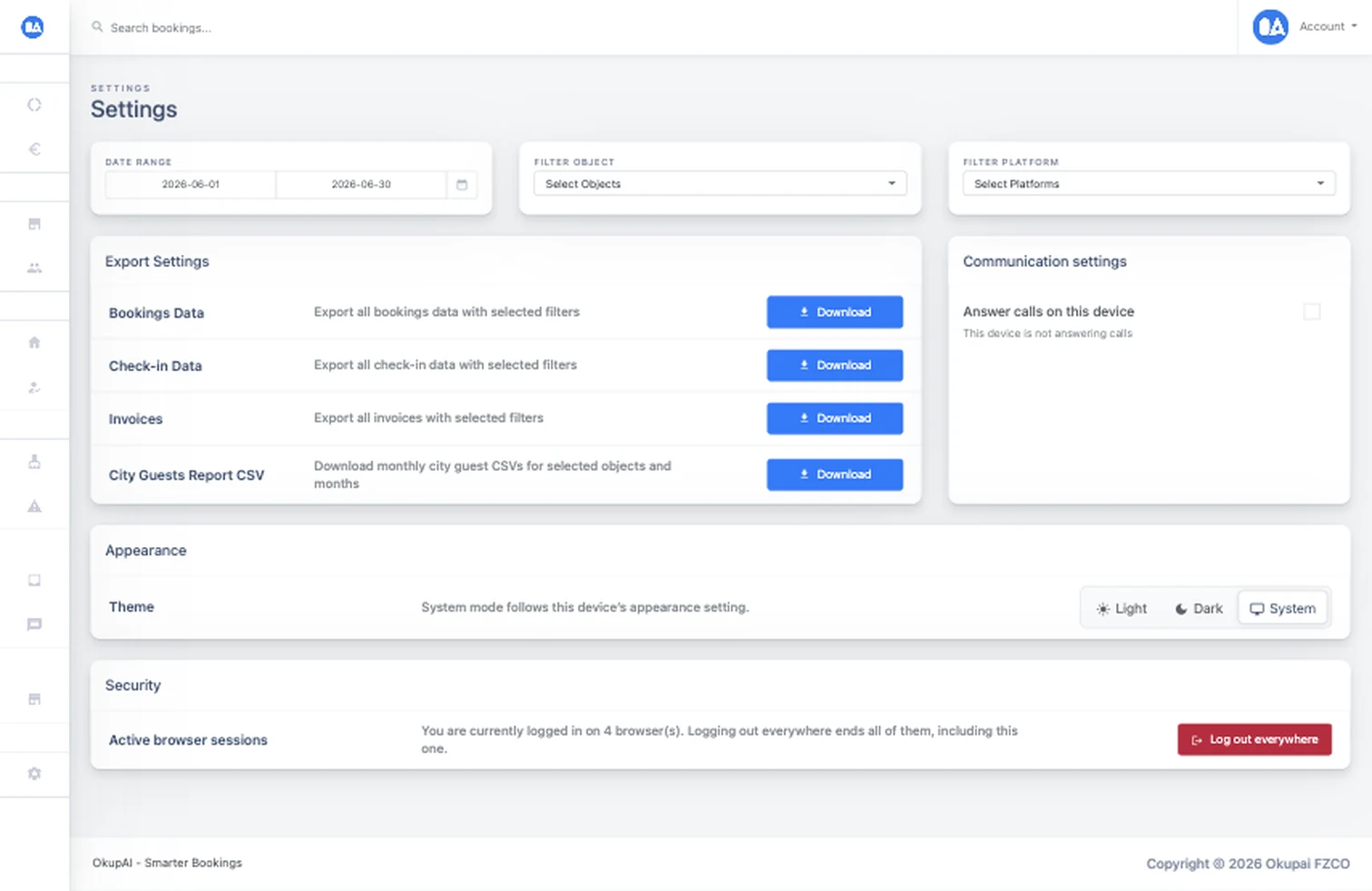
Filter properties, platforms, and dates for booking, check-in, invoice, or city-guest exports, or create an API key with the intended scope.
Data & direct sales
Move operational and accounting data into downstream workflows or connect a booking website to documented booking, pricing, availability, checkout, and payment-status endpoints.
 Idempotent booking flow
What it solves
Accounting, reporting, and direct-booking websites need reliable access to selected operational data. OkupAI provides downloadable exports for common workflows and a deliberately scoped API for supported booking use cases.
How it works
Use filters for human-readable exports, or authenticate a system integration and follow the documented website-booking sequence.
Filter properties, platforms, and dates for booking, check-in, invoice, or city-guest exports, or create an API key with the intended scope.
A booking website can read supported pricing and availability data, including minimum-stay validation, before attempting to create a stay.
Create the website booking with an idempotency key, request Stripe Checkout when configured, and poll the documented payment-status endpoint.
Built into the workflow
Generate booking and check-in spreadsheets, invoice archives, and monthly city-guest CSVs with the selected filters.
Work with documented booking, pricing, availability, website-booking, Stripe Checkout, and payment-status resources.
Use pagination for reads and idempotency for booking creation so a retry does not silently create the same website reservation twice.
Inside OkupAI
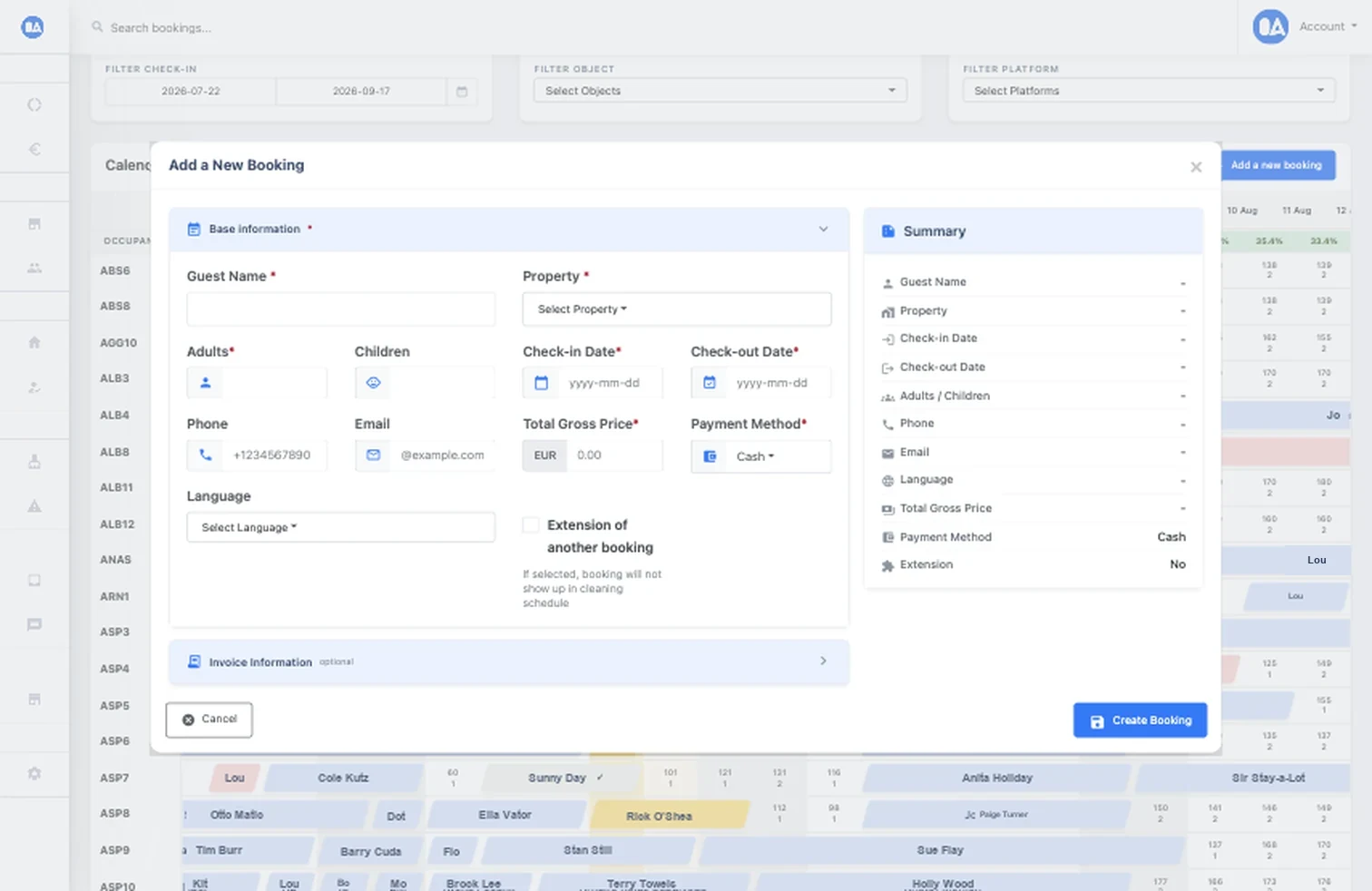
Website-created stays enter the reservation workflow with property, dates, guests, pricing, payment, and invoice context instead of living in a parallel sales database.
Your next connected workflow
Start with the export tools, then use the API reference to design a scoped and secure website-booking integration.
Try for free Read the documentation