Create the structure
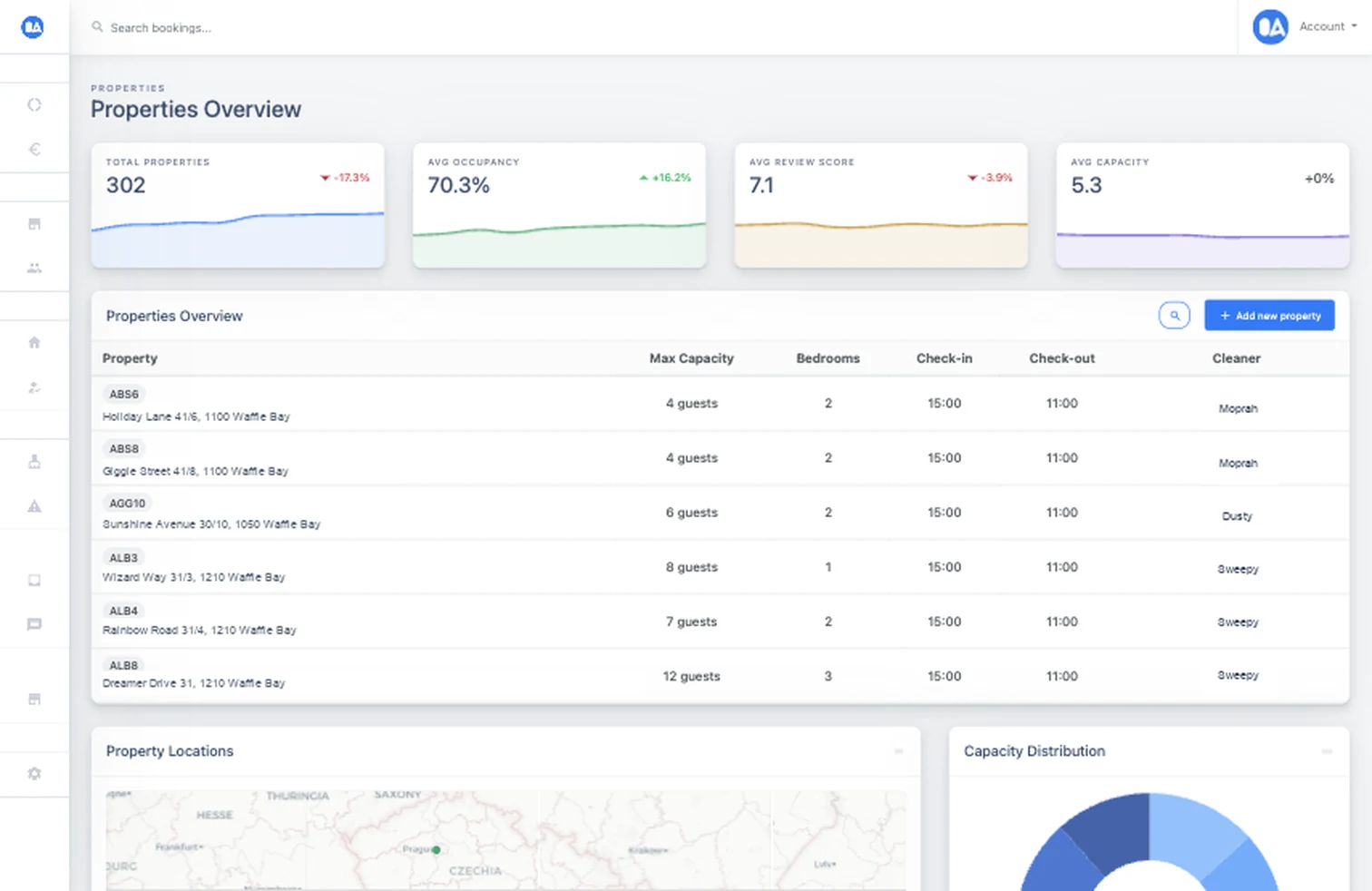
Configure individual properties, identical hotel rooms or child units, addresses, capacity, doors, floors, owners, teams, and finance settings.
Portfolio control
Model individual units and multi-room hotels, give owners a carefully scoped view, and compare the revenue, occupancy, guest, and quality signals across a portfolio.
 Portfolio analytics
What it solves
A growing portfolio adds rooms, buildings, owners, cleaners, invoice settings, and reporting audiences. OkupAI keeps the operational structure and the permitted views together instead of duplicating dashboards for every stakeholder.
How it works
Start with accurate property structure, then decide who can see which data and use portfolio views to compare results.
Configure individual properties, identical hotel rooms or child units, addresses, capacity, doors, floors, owners, teams, and finance settings.
Create owner or client logins, select the visible properties, and grant access to the exact financial, booking, review, guest, calendar, or cleaning features required.
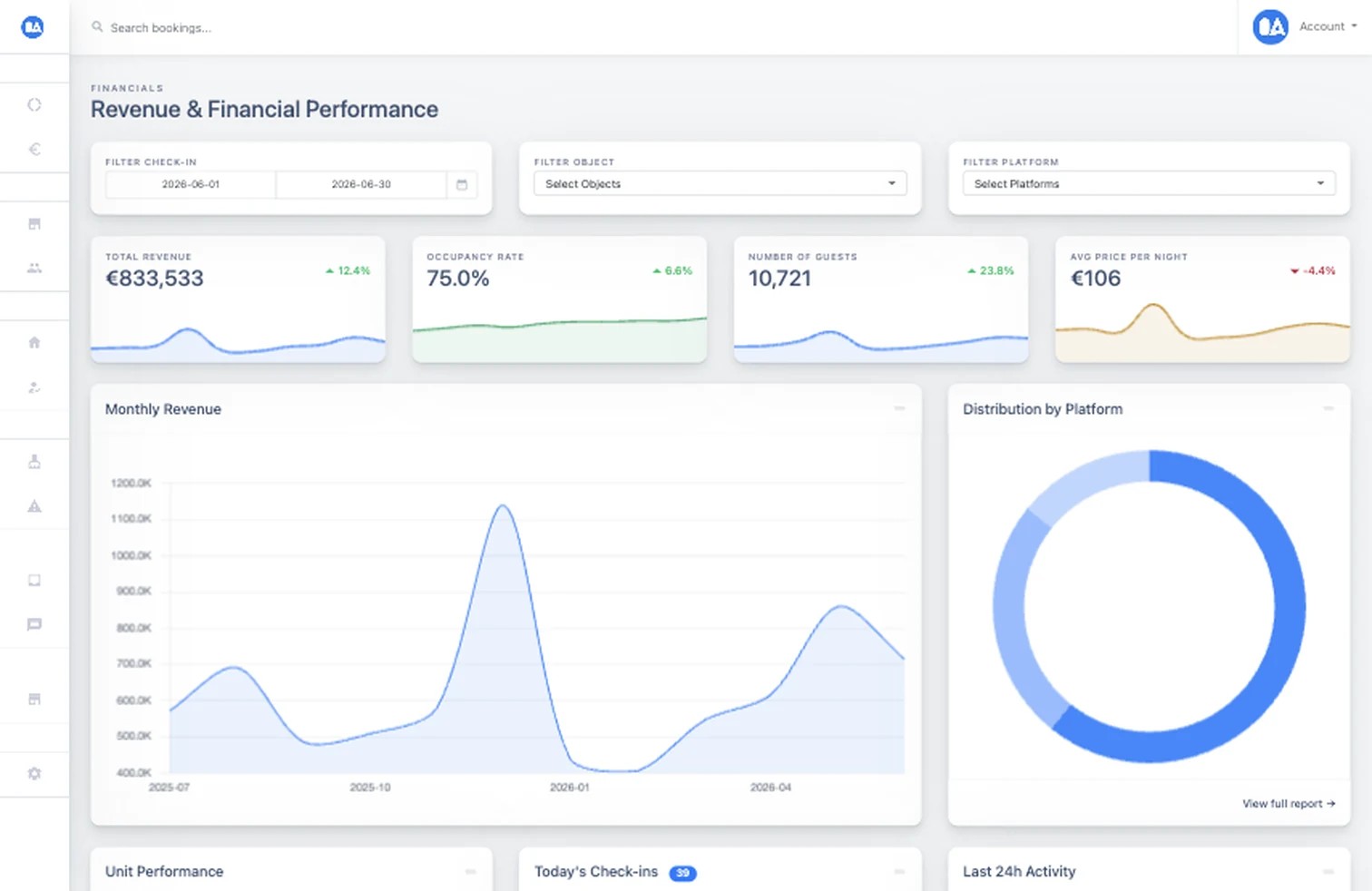
Filter revenue, occupancy, guests, average rates, platform mix, demand, recent activity, and unit performance across the relevant portfolio.
Built into the workflow
Represent a shared listing with room-level availability while retaining the property information used by messages, access, cleaning, and invoices.
Keep one operational data set while presenting each stakeholder only the properties and features they are allowed to use.
Compare current and prior periods, platform distribution, booking patterns, arrivals, guest volumes, and unit-level results.
Inside OkupAI
High-level metrics make changes visible, while filters and detailed views help teams identify the units and channels behind the result.
Your next connected workflow
Create the property structure first, then add owner access and reporting without rebuilding the operation.
Try for free Read the documentation