Authorize the service
Connect the relevant PriceLabs, Feratel, Stripe, WhatsApp, or TTLock account using the provider-specific setup.
Connected operations
Connect pricing, registration, payment, messaging, and door-access services to the properties and bookings that drive them.
 TTLock access
What it solves
Dynamic prices, guest registration, payments, communication, and entry codes become manual handoffs when each service stands alone. OkupAI maps supported accounts and properties so those workflows can start from the reservation.
How it works
Each integration has its own authorization and eligibility, but the operating pattern stays clear.
Connect the relevant PriceLabs, Feratel, Stripe, WhatsApp, or TTLock account using the provider-specific setup.
Choose which OkupAI properties, listings, payment accounts, or locks correspond to the connected service.
Use booking dates and property context for pricing updates, registration handoff, checkout links, messages, or entry-code management.
Built into the workflow
Import PriceLabs rates and minimum-stay guidance on the documented schedule, then distribute supported updates through the channel workflow.
Map Stripe Connect accounts by property and monitor WhatsApp readiness for approved message templates.
Map TTLock devices, create booking-specific or rotating codes, inspect battery and gateway state, refresh codes, and use remote unlock when available.
Inside OkupAI
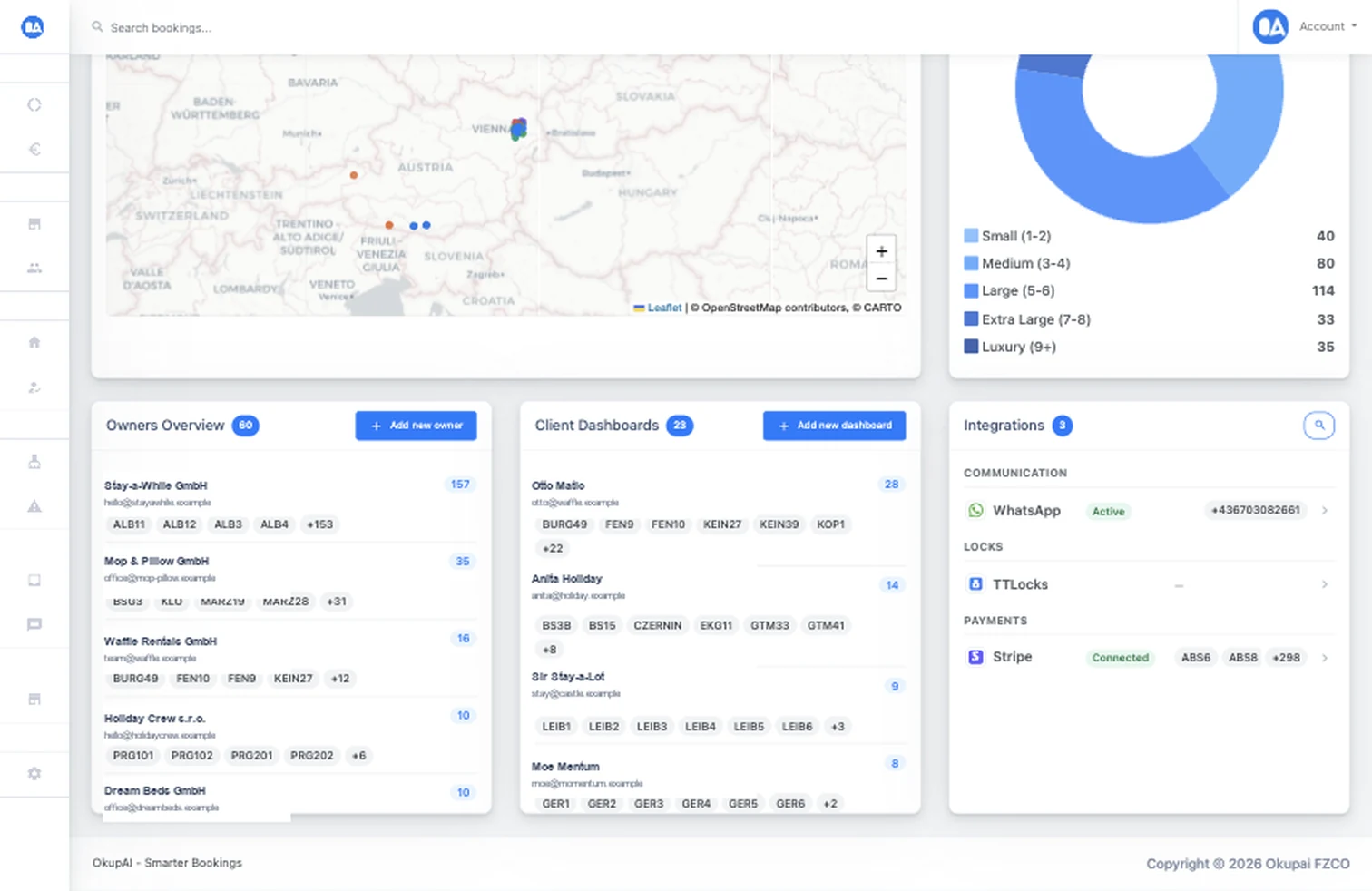
Property teams can see whether communication, access, and payment services are active and which mappings still need attention.
Your next connected workflow
Review the integration requirements, then map the providers that fit your properties and operating model.
Try for free Read the documentation