Connect communication channels
Bring supported Airbnb, Booking.com, WhatsApp, SMS, and email conversations into the inbox with the related booking context.
Guest communication
Bring supported guest conversations into one inbox, automate timely multilingual messages, and keep every AI-assisted reply editable before it is sent.

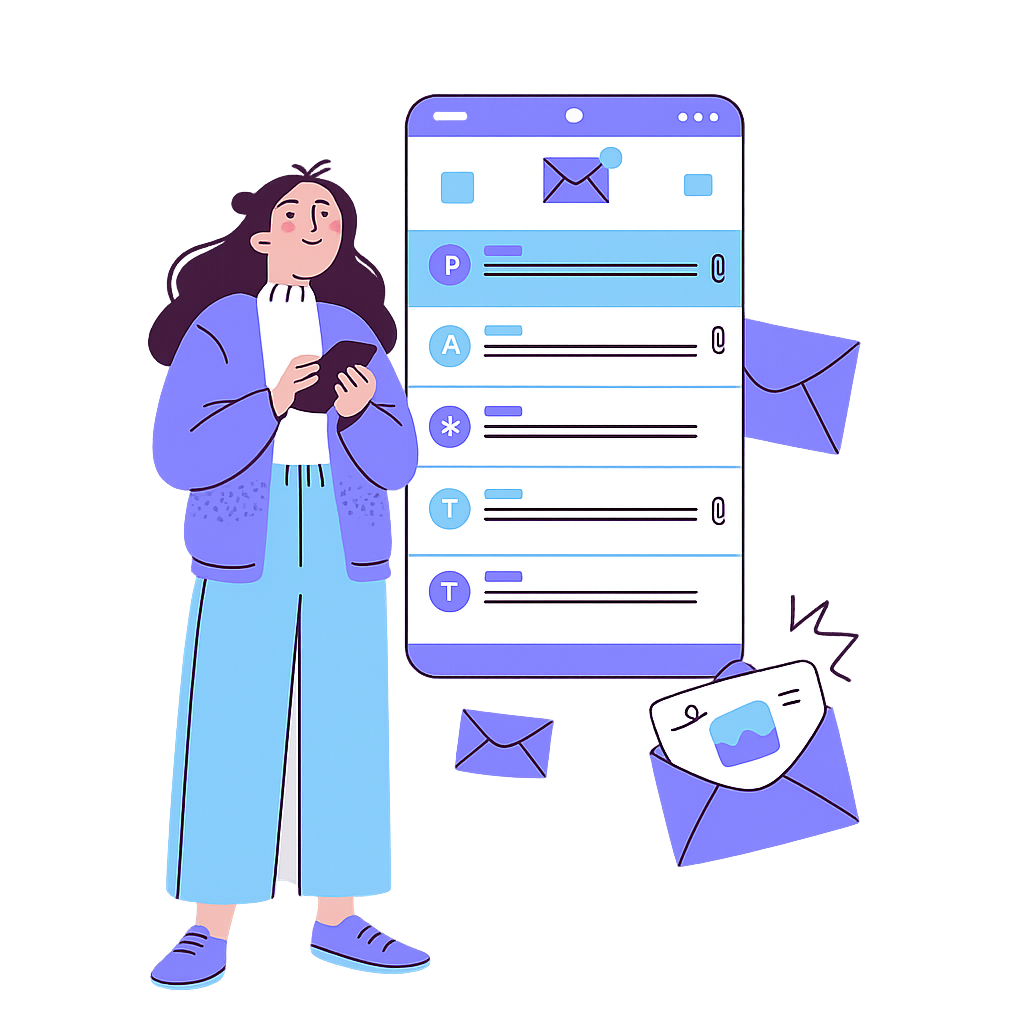 Editable AI drafts
What it solves
Guest questions and routine instructions become hard to track when they are split across OTA inboxes, WhatsApp, SMS, and email. OkupAI combines supported conversations with booking context and separates reusable message content from its delivery rules.
How it works
Connect the supported channels, build reusable multilingual content, and let booking events determine when each configured message should be considered for delivery.
Bring supported Airbnb, Booking.com, WhatsApp, SMS, and email conversations into the inbox with the related booking context.
Create reusable content with languages, images, and variables, then configure timing, booking events, channels, properties, and conditions.
Work the unread queue, inspect scheduled or skipped messages, and review or edit AI-assisted drafts before choosing to send them.
Built into the workflow
Search and filter conversations, read the full history, and view stay dates, guests, check-in status, and eligible paid add-ons alongside the reply.
Use one template in multiple rules for confirmations, check-in reminders, arrival information, checkout instructions, and review requests.
Translate incoming messages on demand and generate a suggested reply that a team member can inspect, change, or discard.
Inside OkupAI
The workspace keeps the unread queue, message history, booking context, reply composer, delivery state, and relevant automations visible without turning the AI draft into an autonomous sender.
Your next connected workflow
Start with the channels and four routine messages your team uses most, then add rules and reply assistance deliberately.
Try for free Read the documentation